Open-source task manager you can actually own.
Jinear keeps tasks, boards, a calendar, notes and files in one place, for you and your AI agents through MCP. Use the hosted version, or run it yourself with Docker.
What it does
- tasksLists, labels, checklists and reminders that don't get in your way.
- boardsUnlimited boards. Drag things where they belong.
- calendarA built-in calendar, plus Google Calendar sync.
- notesRich-text notes in shared notebooks, with tags and offline drafts.
- filesAttach files to tasks, create folders, upload data, and define fine-grained access controls.
A quick look
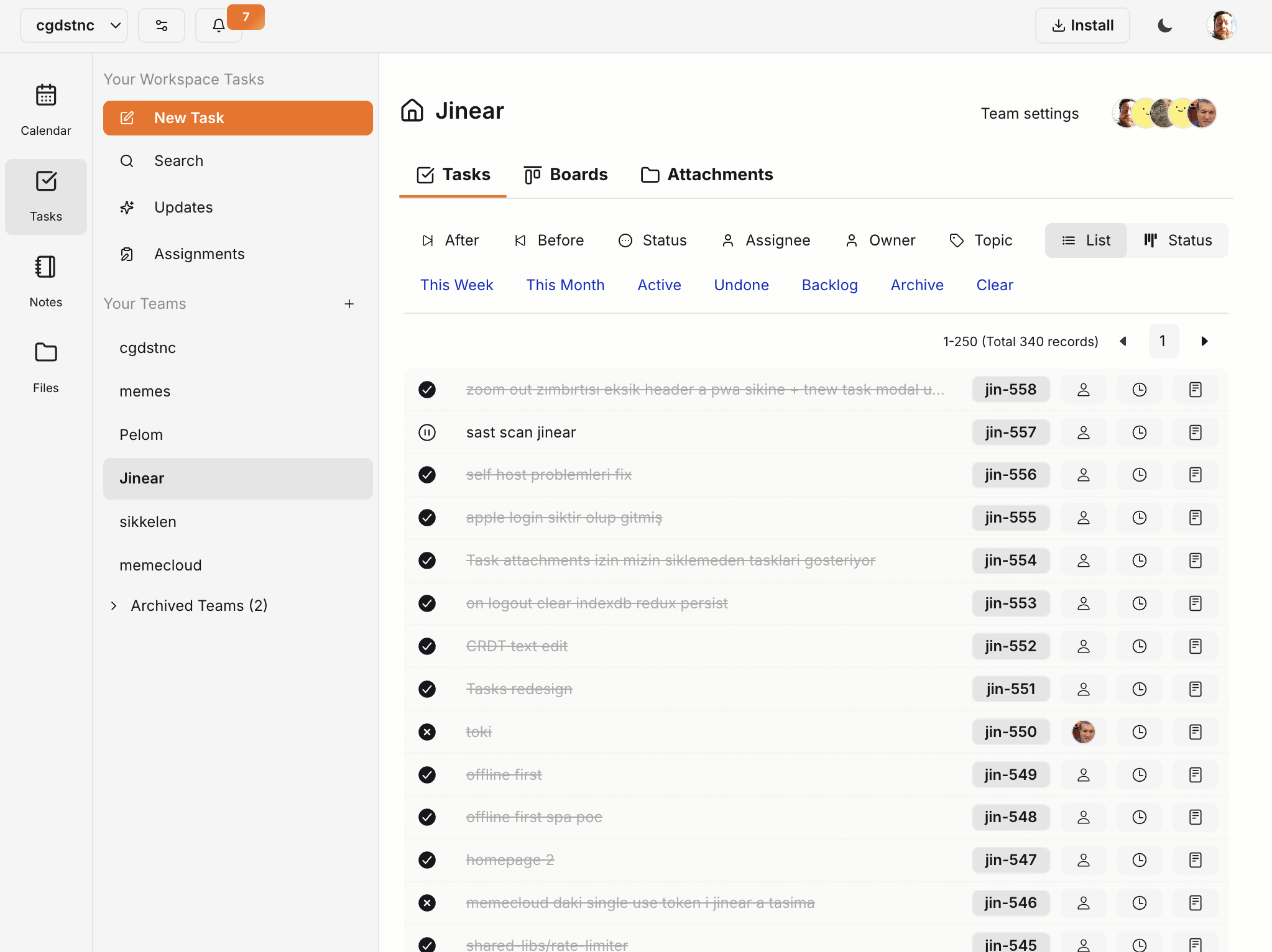

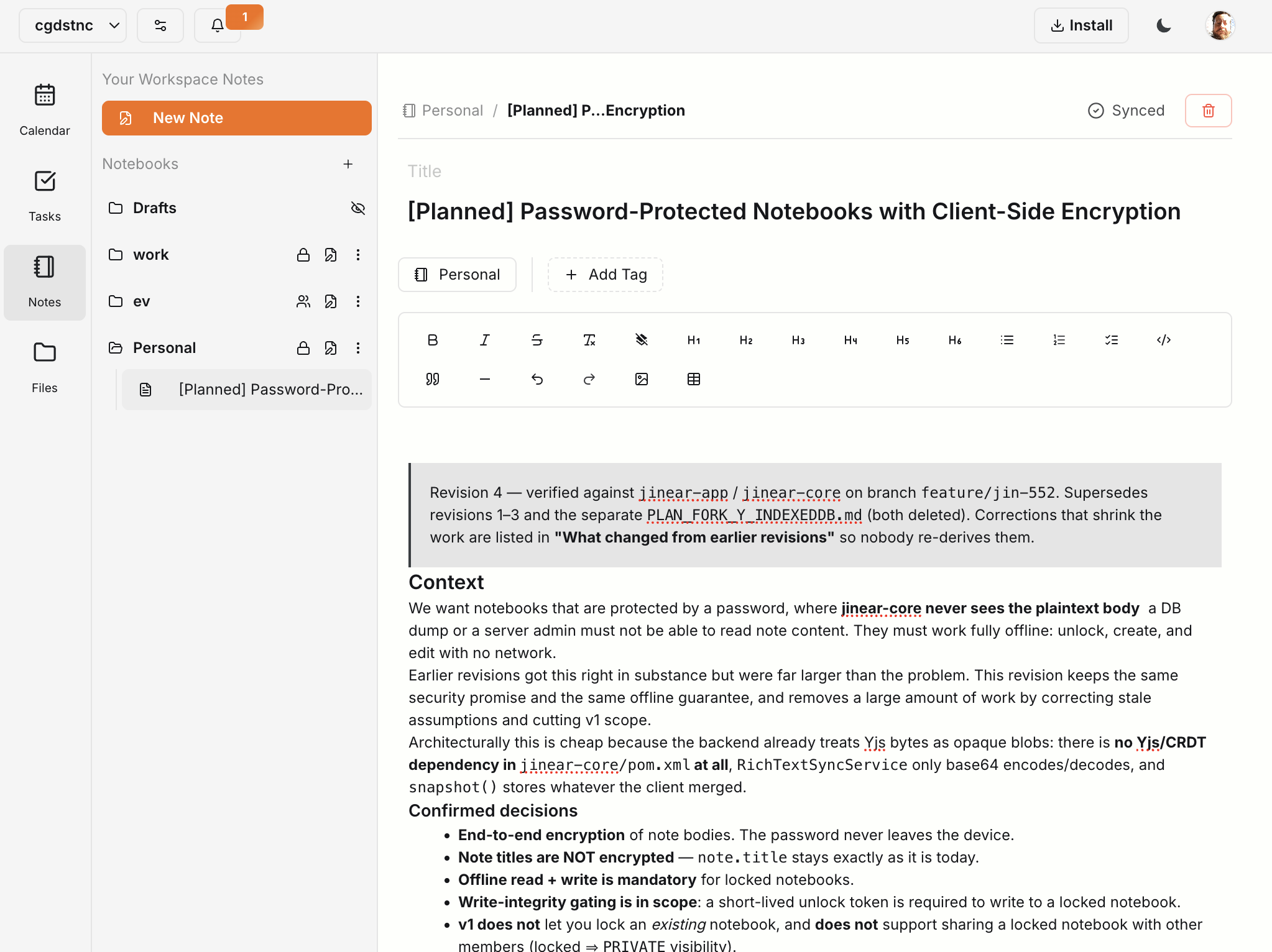

Scroll sideways for the rest →
Pricing, briefly
Latest writing
Keyboard Shortcuts, and a Right-Click Menu for Calendar Tasks. Release v0.1.1685
Hold Option (Alt on Windows and Linux) and Jinear shows you a key for the things you use most. Press Option+J and every button on the screen gets a label you can type. Tasks on the calendar also have a right-click menu now, so you can change a task without opening it.
Themes, Fonts, and Mouse Cursors. Release v0.1.1684
Jinear had a light mode and a dark mode. Now it has 64 themes, from VS Code and JetBrains favorites to Dracula, Nord, and Catppuccin, plus a choice of fonts and six mouse cursors.
Release v0.1.1683. Collaborators, Calendar Filters, and Drag to Reschedule.
Tasks can now have collaborators next to the assignee. The calendar can be filtered by assignee, collaborator, and workflow status, and tasks can be dragged to a new time in the week and two-day views.
Hey, I'm Çağdaş.
I build and maintain Jinear on my own, no team, no company behind it. I use it every day for my own work, which is why it exists and why it keeps getting worked on.
If you run into trouble self-hosting, have a question, or want to suggest something, just email me. I read and reply to everything myself. I don't use your email for marketing or auto reply using AI. I'd love to hear from you.
And if you've already got Jinear running somewhere, say hello. A self-hosted instance tells me nothing about you: at most a random id, a version number, and which features are on if you said yes to that during setup. Nothing on my end says who you are, so hearing that someone found it useful makes my day.
